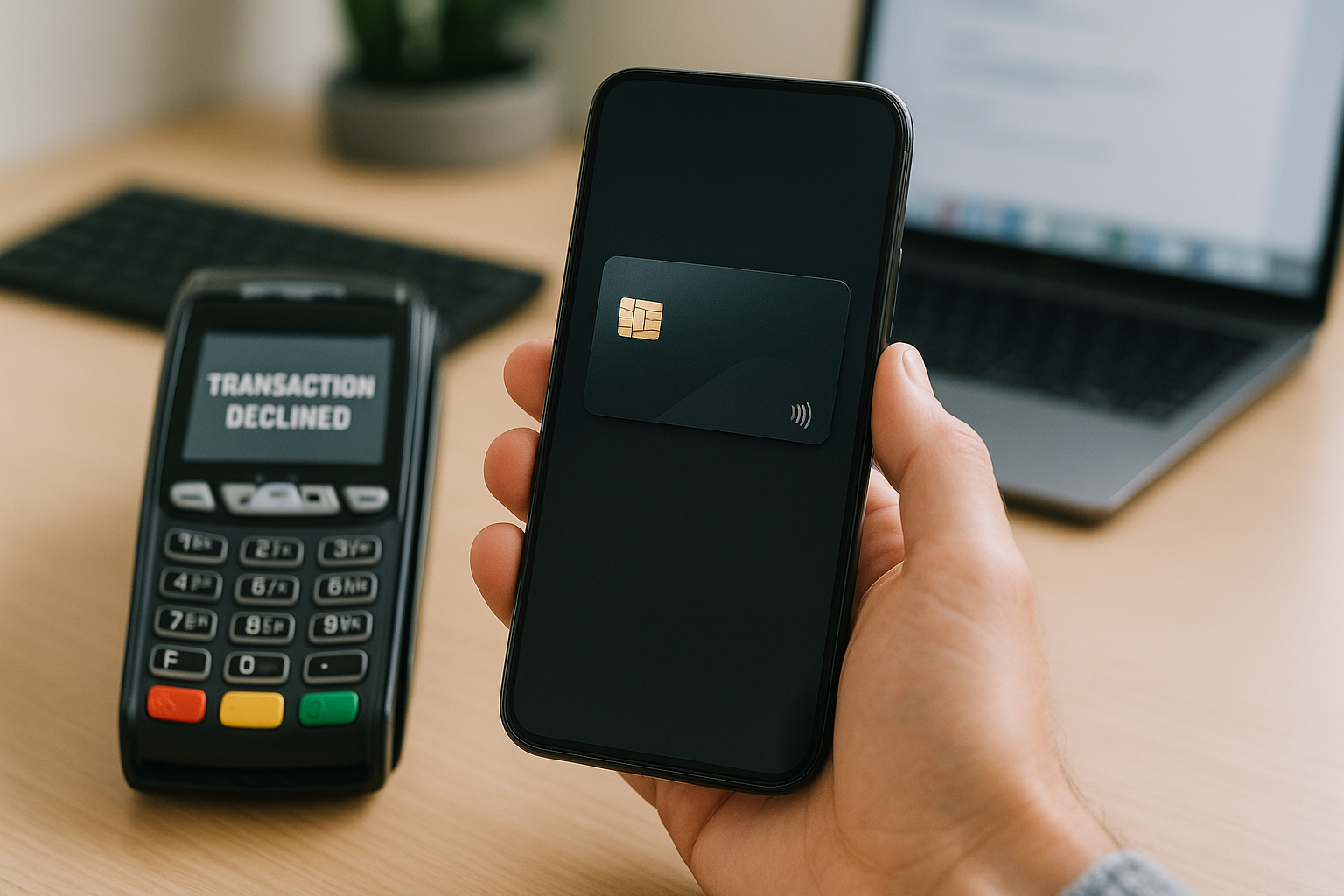
Virtual cards have become essential for paying for overseas services, subscriptions, and online purchases. However, users often face declines, confusion about limits, and 3DS issues. Here are the key points.
Limits and Their Impact
Most virtual cards have transaction amount limits, daily operation counts, and total turnover caps. For example, Visa and Mastercard cards may have a $5000 limit per purchase. Exceeding the limit is a common cause of decline. Check your limits in the account dashboard beforehand.
3DS Support
3D Secure (3DS) is a security protocol requiring additional verification. Not all virtual cards support 3DS, which can lead to declines on services that require it (e.g., Google Play, Netflix). When choosing a card, ensure it supports 3DS 2.0.
Regional Restrictions
Some services block cards issued in certain countries. For example, Russian cards may not work on foreign platforms. Virtual cards issued in high-reputation jurisdictions (USA, Europe) usually pass verification more easily.
Typical Declines and Reasons
- Insufficient funds – the most common reason.
- Limit exceeded – check daily and monthly limits.
- Incorrect CVV or expiry date – data entry errors.
- Country block – the service does not accept cards from your region.
- Missing 3DS – if the service requires verification.
How to Avoid Declines
- Check balance and limits before payment.
- Use cards with 3DS support.
- Choose cards issued in the region where the service operates.
- Enter data accurately, without spaces.
VirtCardPay's Take: Virtual cards are convenient but require attention to detail. Check limits, 3DS support, and regional restrictions to avoid declines.
Payment guides
- How to Pay for ChatGPT Plus and Team: Cards, Limits, and Safe Linking
- How to Use Virtual Cards for Memorial Day Sales Shopping
- How to Pay for Delta Flights to Krakow from Portland: Fares from $714 and Virtual Card Payment
A virtual card in 2 minutes
Pay for subscriptions, AI tools, travel, and international stores. Top up with USDT or TON.