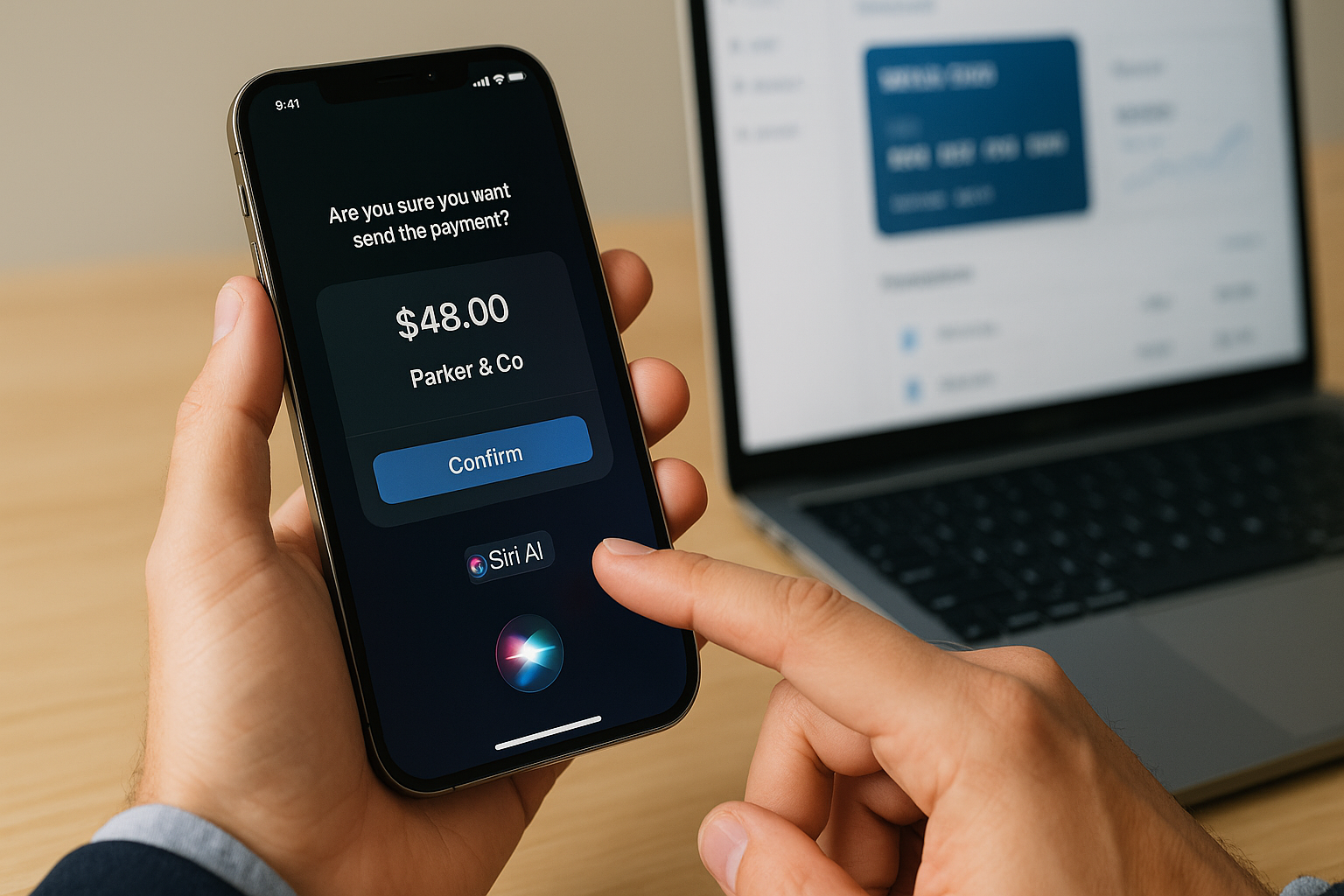
Apple has released iOS 27 with a significantly upgraded voice assistant, Siri AI, which the company claims surpasses previous versions. A video by Max Taech highlights that Siri now better understands context and can handle complex multi-step commands.
How Siri AI Relates to Payments
Voice assistants are increasingly used for financial tasks: paying subscriptions, checking balances, and making transfers. With the new Siri, users can:
- Pay subscriptions — e.g., "Siri, pay my Netflix with the next card."
- Check limits — "How much is left on my virtual card?"
- Transfer funds — "Transfer 50 USDT to my Amazon card."
Practical Considerations for Virtual Card Users
When using Siri for payments via virtual cards, keep in mind:
- Limits: Voice commands should not exceed daily card limits. It's recommended to set up a separate card with a low limit for voice payments.
- 3DS: Siri AI may request confirmation via Face ID or Touch ID, replacing 3DS verification. However, not all services support this flow.
- Regions: Voice payment is available only in countries where Apple Pay is integrated with local banks. In Russia and several other countries, it is limited.
- Common declines: If the card was issued outside the Apple ID region, Siri may reject the transaction. Mispronouncing the service name can also cause errors.
VirtCardPay's Take
Siri AI in iOS 27 is a step toward more convenient financial management. For virtual card users, it means quickly paying subscriptions and checking balances by voice. However, be aware of regional restrictions and set up separate cards for voice transactions to avoid exceeding limits or declines.
Disclaimer: This article is for informational purposes only and does not constitute financial advice. Before using voice payments, review your bank's and service's terms.
A virtual card in 2 minutes
Pay for subscriptions, AI tools, travel, and international stores. Top up via USDT-TRC20 with no acquiring fees.